 OVERPOWER AXEL
How to play
Everything you need to get started — and a few things you only discover by playing.
Getting started
Overpower Axel opens right in your browser: on a computer, tablet or phone. There's nothing to install and no account to create. On the first visit the game stores the artwork on your device, which takes a little longer; after that it opens much faster. On the title screen, choose New Game to start the story from the Prologue, or Continue to resume a save.
From your phone's browser you can also install the game as an app (the “Add to Home screen” or “Install” option). Once installed, it opens full screen, like an app, and the game can download everything at once to work offline.
Controls
On phones and tablets
- Tapping the ground walks to that spot, going around obstacles.
- Tapping a person or an object talks, opens chests and uses doors.
- On-screen D-pad: a stick in the left corner and an action button on the right, for those who prefer to control the hero like with a game controller. Turn it on with the 🎮 button at the top of the screen; you can use both ways together.
- Dragging your finger across the screen rotates the camera; pinching with two fingers zooms in and out.
On a computer
- WASD or the arrow keys walk.
- Space or Enter talk, open and advance the dialogue.
- 1–9 pick options, commands and targets in battle.
- Esc opens the menu, I the items, M the map and P fishing.
- The mouse works too: clicking the ground walks, dragging rotates the camera, the scroll wheel zooms in.
Exploring
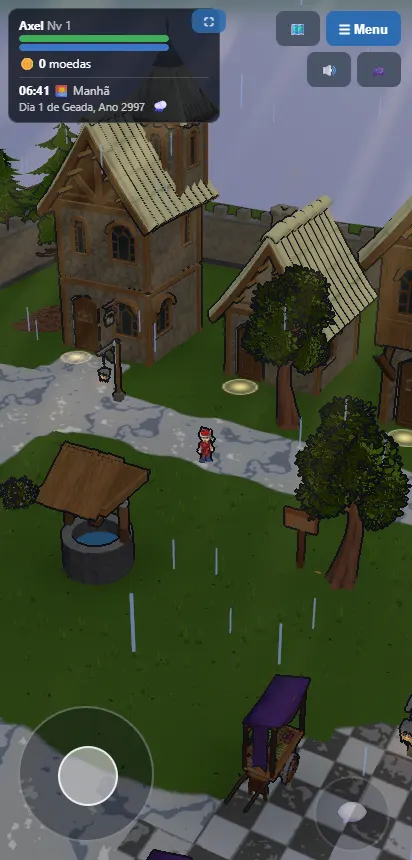
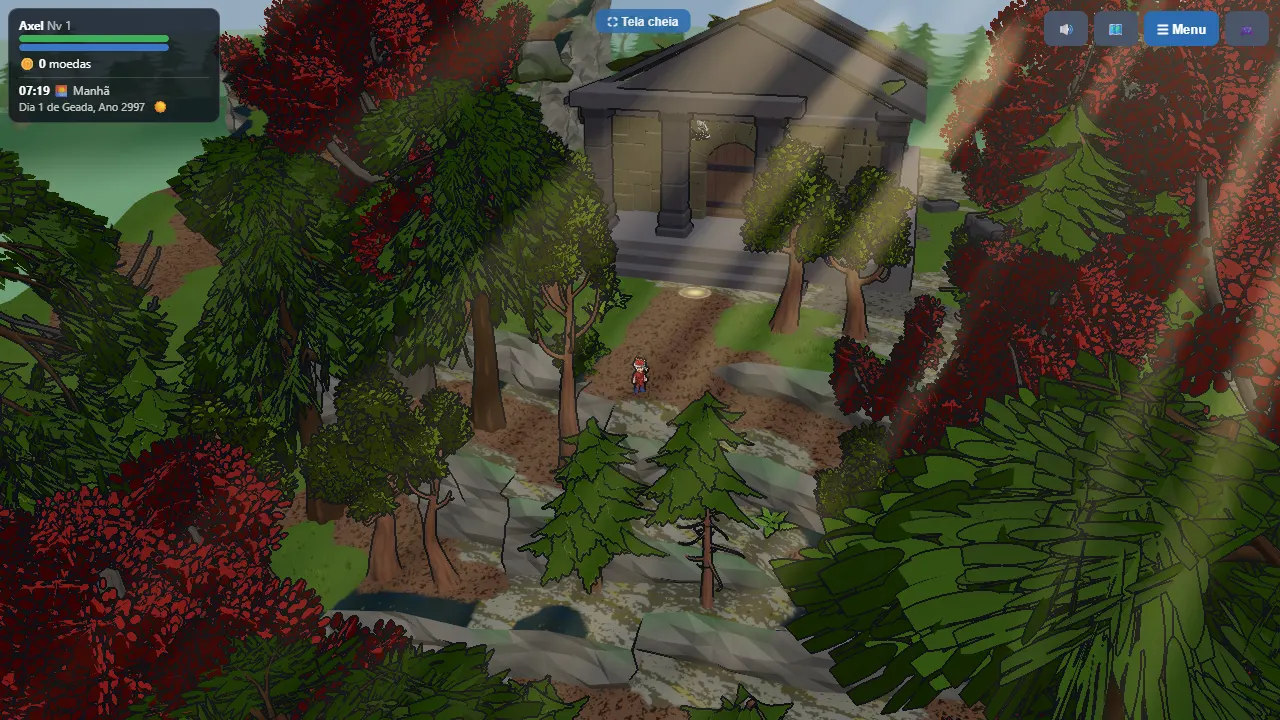
Every map has people to talk to, doors to open and secrets to find. Characters who are part of the story have a glow above their heads; anyone with something important to say gets your attention with an exclamation mark. Chests hold items and gold, and some need to be pushed to reveal passages. The day goes by — morning, afternoon, night —, the weather changes between sun, rain and snow, and shops open and close on their own schedules.
The menu holds the items, each hero's equipment, the quests in progress with the current objective, the map and the options.
Battles
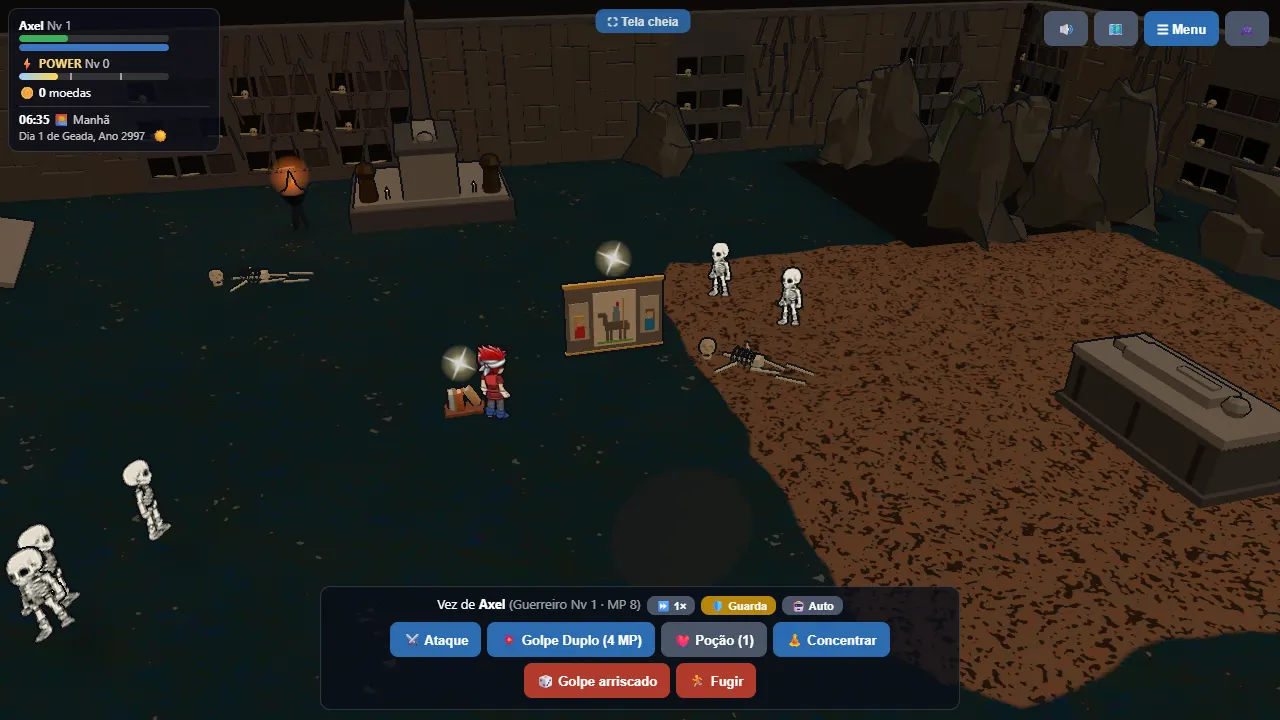
Fights are turn-based. On each hero's turn, choose a command:
- Attack — the basic hit with the equipped weapon;
- Techniques — moves and spells that cost MP, like Double Strike, Fire (which hits every enemy), Thunder and Darkness;
- Potion and other items — to recover health or mana;
- Defend — raises the guard: the next hit lands at half strength, and the hero's defense takes off the rest — sometimes nothing is left;
- Dodge — bets on agility: if it works, the hero leaps aside and takes no damage at all; if it doesn't, the hero takes the full hit;
- Flee — tries to get out of the fight (not always possible).
The Overpower gauge, at the top of the screen, fills up with the hits you deal and take, with blocks and with dodges. It has three levels, and each one unlocks stronger team techniques: simple combos at the first, the hero's moves with a partner at the second and super combos with a full gauge — sixteen in all, like the Blade Storm, which only appear when the right pair is on the field. Using a combo spends the gauge: it's worth choosing between a small move now or saving up for the super. Winning gives experience, gold and sometimes items; leveling up raises health, mana, attack, defense and agility according to each hero's class.
The team
Up to five heroes fight at the same time. Anyone who joins the party after that stays in reserve — they keep appearing in the story scenes and can be swapped in at any time from the Formation menu. Each hero has a class: Axel is a Warrior, Stinger is an Assassin, Demetrius is a Necromancer and C-29 is a Mercenary. Meet each of them on the heroes page.
Cities, shops and money
- Shops for weapons, armor, items and magic buy and sell, each with its own prices and opening hours.
- Taverns and hotels restore the team with a night's rest.
- The Royal Bank of Velthênor keeps your gold in an account, with deposits, withdrawals and savings, and offers a credit card — which, like every card, sends you the bill.
- Fishing: with a fishing rod, find some water and try your luck. The fish become food or money.
- Law and order: stealing, fighting and hurting the wrong people has consequences. The guards go after whoever is wanted, and each kingdom has its own police station.
Guild Missions
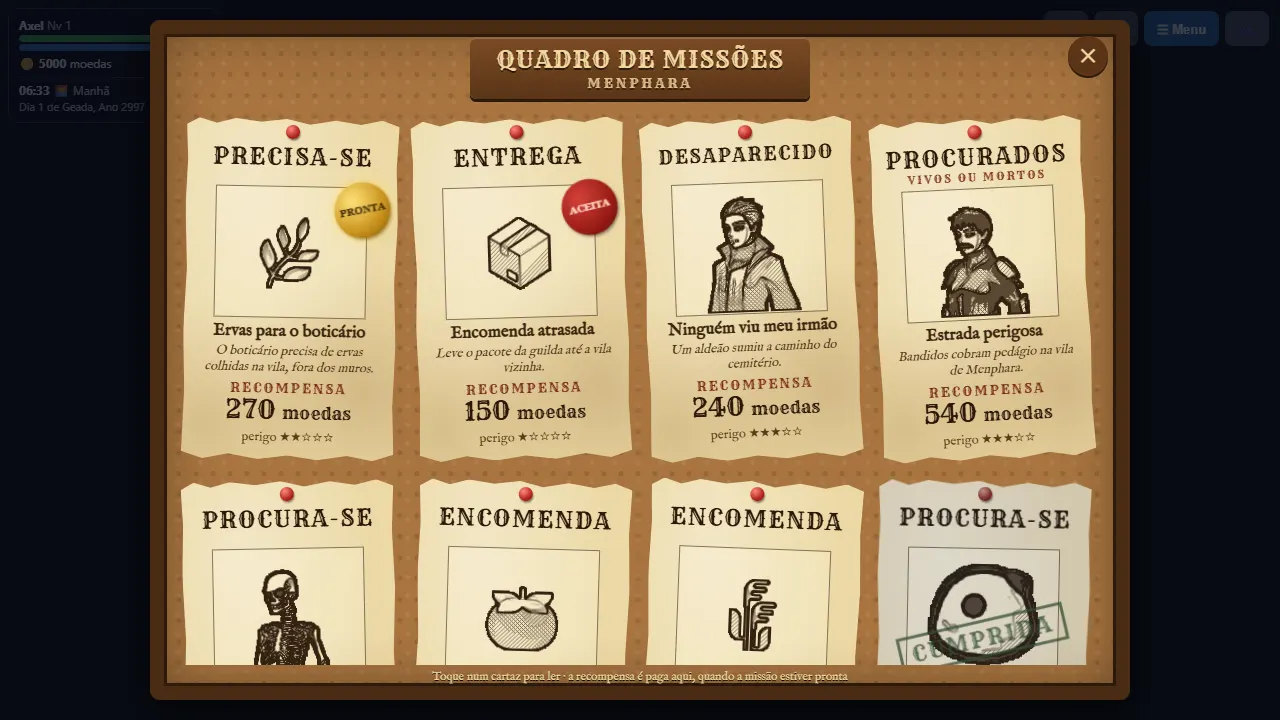
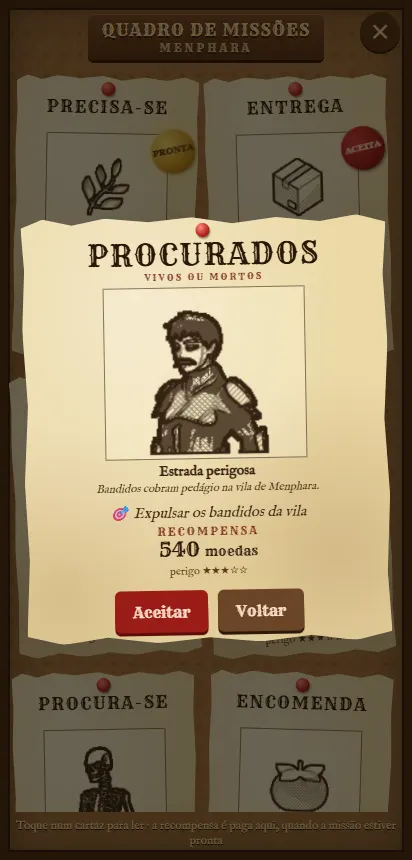
Every kingdom has a seat of the Mercenaries' Guild, and on its board the requests are pinned up as posters: wanted outlaws, deliveries, things to fetch, missing people. Tap a poster to read it, take the job and come back to the board to collect the reward. An accepted poster gets a red wax seal; one ready to be collected, a golden seal.
Traveling
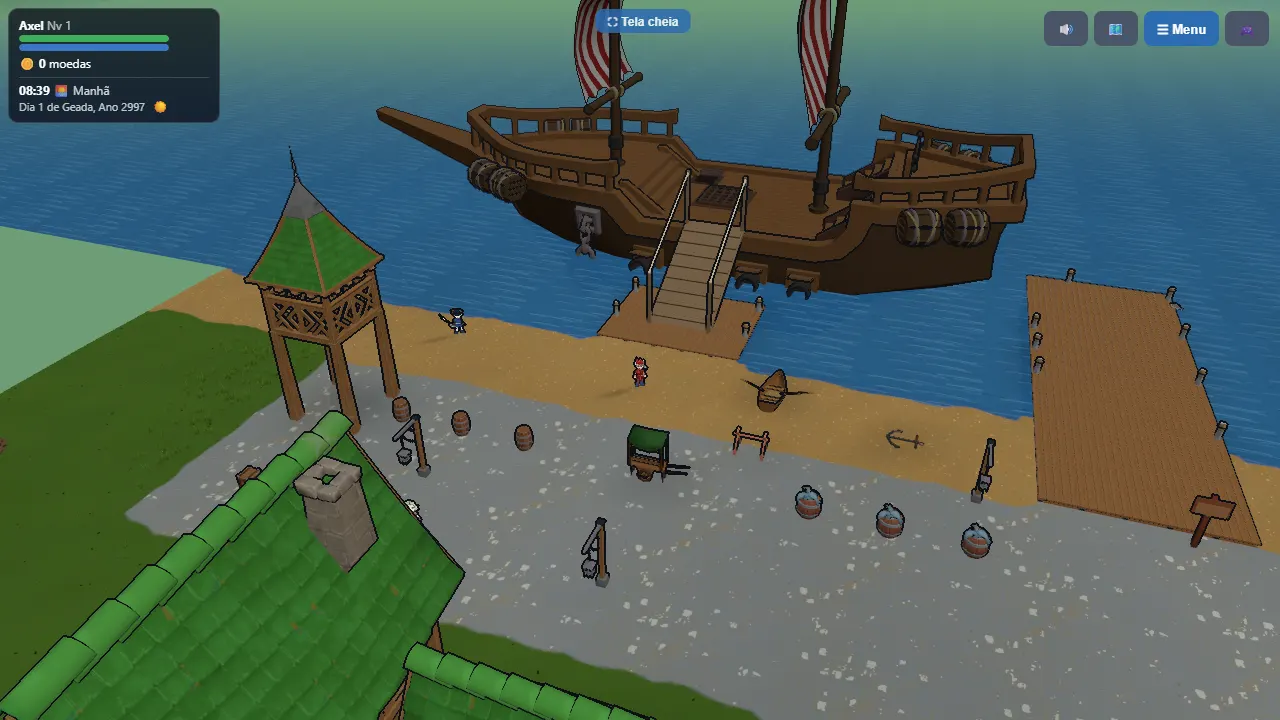
The kingdoms lie on the World Map. You can cross it on foot, along the roads, or by ship from the ports, once Captain Bartolo agrees to take the party. Later on, the Air Taxi carries the team through the sky and lands in cities and on the World Map itself. Each vehicle has its own music, and on the ship you can go down to the hold and the captain's cabin.
Saving the game
The game has three save slots, stored on the device itself. If you want to play on more than one device, sign in with your Google account from the menu: the game keeps a copy of your saves in a private folder of your account that only the game can see. Read the details in the privacy policy.
Options
- Profanity: the original text of the story is a comedy with swear words. By default they show up replaced by symbols; untick “Replace swear words with symbols” to read the original.
- Controls: tap the screen, the D-pad or both.
- Sound and music: music and sound effects volume.
- Performance: the game automatically adjusts the graphics quality to the device, to keep things smooth even on basic phones.
Want to know what changed in the latest version? See the news.